AIFile recovery

How AI recovered my grandfather's photograph
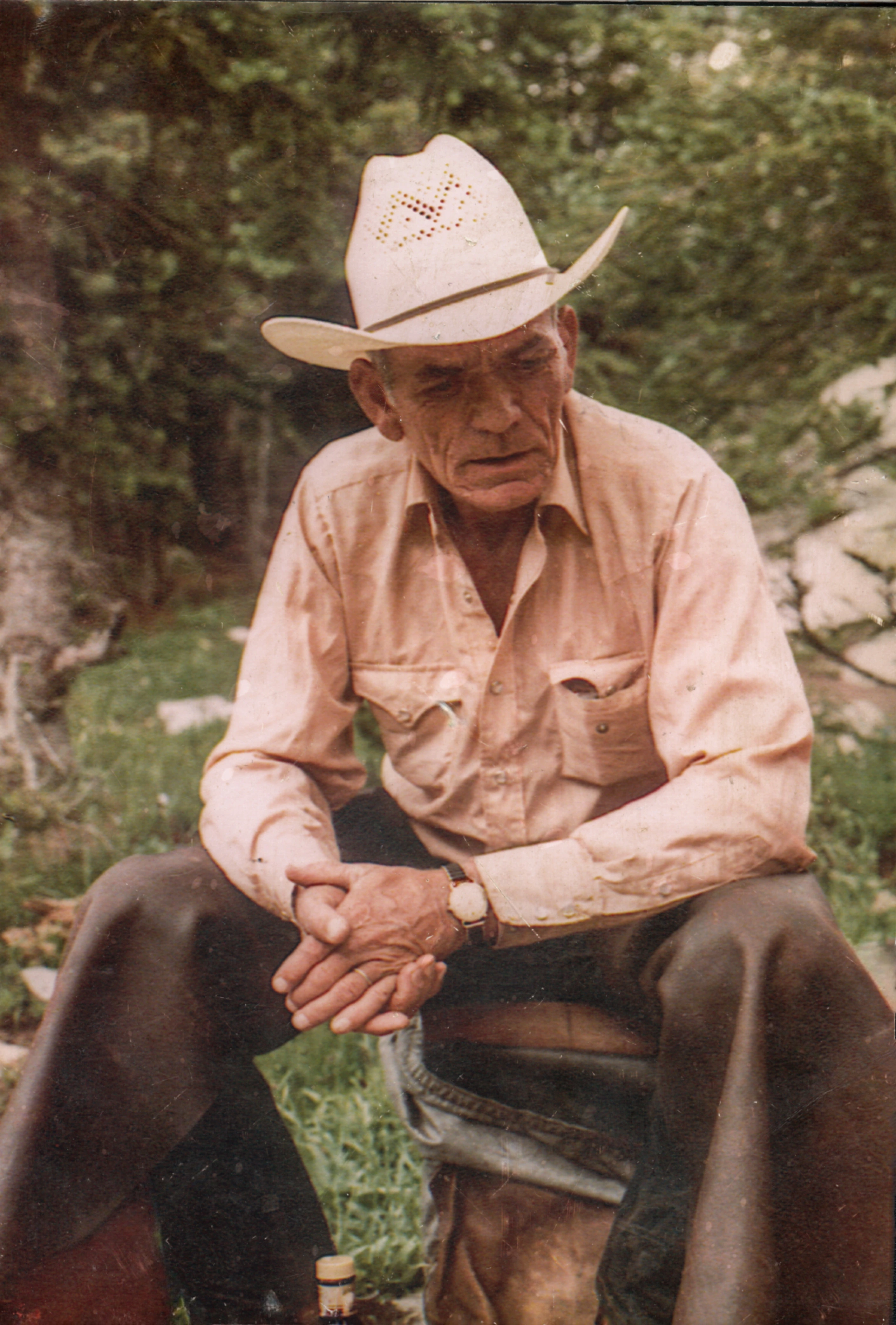
Bob Goode seated outdoors in a cowboy hat, with his hands clasped.
My grandfather, Bob Goode, in the 1980s. My edited version of the photograph after the file was recovered.

For almost twenty years, I couldn't see this photograph of my grandfather, Bob Goode. Repair utilities and earlier AI attempts had failed. On October 10, 2026, Fable 5.1 Max in Claude diagnosed two small defects in the Photoshop file and wrote the code that finally opened it.

Keep the evidence

About thirty years ago, I repaired scratches in this photograph for my mother after the frame's glass broke. Later, the Photoshop file became corrupted. When I discovered that a decade or so ago, I tried every repair tool I could find, short of the really expensive specialist services. Over the past few years, I tried AI tools too.

This started with two copies of a damaged Photoshop file in Google Drive. Codex retrieved them and confirmed they were byte-identical. A second copy wasn't going to supply the missing data, so the work proceeded on duplicates while the originals stayed untouched.

Fable 5.1 Max, running in Claude, handled the diagnosis and repair. Codex coordinated the retrieval and independently checked the result. That division matters: a repair script saying it succeeded is only the beginning of a check.

Two faults in one file

The file began with sixteen zero bytes before Photoshop's 8BPS signature. Removing that prefix put the header where a reader expected it, but the image data was still truncated. Fixing the first obvious defect did not fix the file.

Fable parsed the compressed rows across the red, green and blue channels. Of 12,507 rows, 12,506 were intact. The final row, in the blue channel, stopped sixteen values short at the bottom-right edge of the photograph.

That narrowed the repair considerably. There was no reason to invent a face, rebuild the scene or alter the rest of the photograph.

Repair only the gap

The code copied those sixteen missing blue values from the row directly above. These values are an approximation; they were not recovered from the damaged file.

It then updated the final compressed row's length from 2,778 to 2,779 bytes and appended seventeen encoded bytes. Sixteen missing color values and seventeen new encoded bytes describe different parts of the job: the image data and the way it is stored.

The result was a readable, flattened RGB Photoshop image at its original 2,820 by 4,169 pixels. The file's defects were established, but their presence does not prove exactly how the corruption happened.
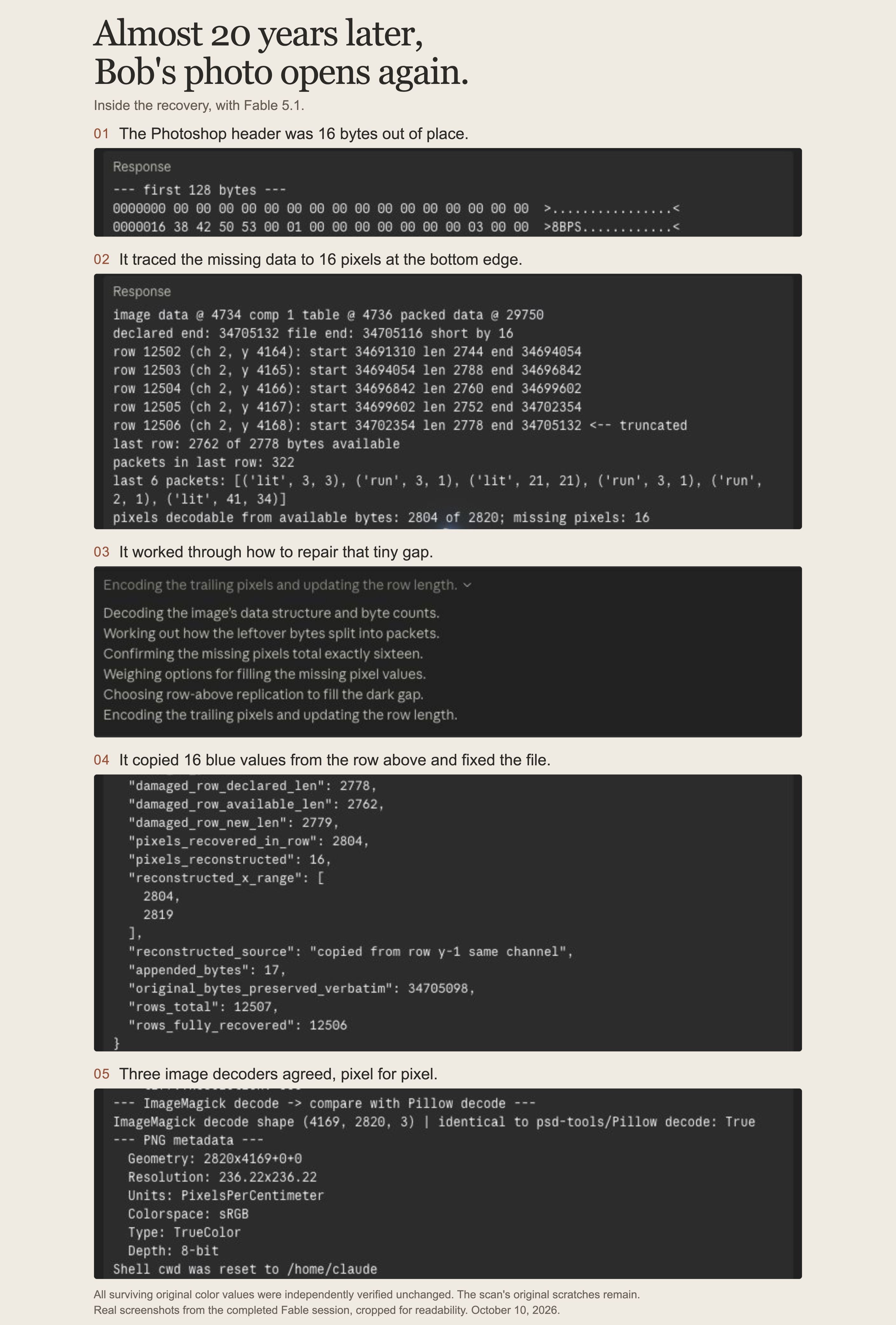
Five stages of the photo recovery, shown in screenshots of the file inspection, repair and verification.
Actual screenshots from the October 10, 2026 recovery. Open the image to read the details.

Verify the recovered image

ImageMagick, Pillow and psd-tools all decoded the repaired file to identical pixels. An independent comparison against the damaged source confirmed that all 35,269,724 surviving color-channel values were unchanged. All fifteen metadata resources were retained as well.

Those checks apply to the recovered PSD. The portrait shown here is my later edited version of it, so the published JPG and its web derivatives are not the untouched recovery output.

For me, this is a useful example of AI tackling an unfamiliar problem: inspect the actual data, narrow the failure, make the smallest justified repair and verify it separately. The outcome was also much more personal than the numbers suggest. I could see a photograph of my grandfather that I hadn't been able to open for almost twenty years.

Getting to see my grandfather in it again was pretty damn awesome.

Who did what

Fable 5.1 Max in Claude diagnosed the corruption and wrote the repair code. Codex coordinated file retrieval and independently verified the recovery. I supplied the photograph, pursued the repair and edited the recovered image afterward.

Cory BoehneLet's talk
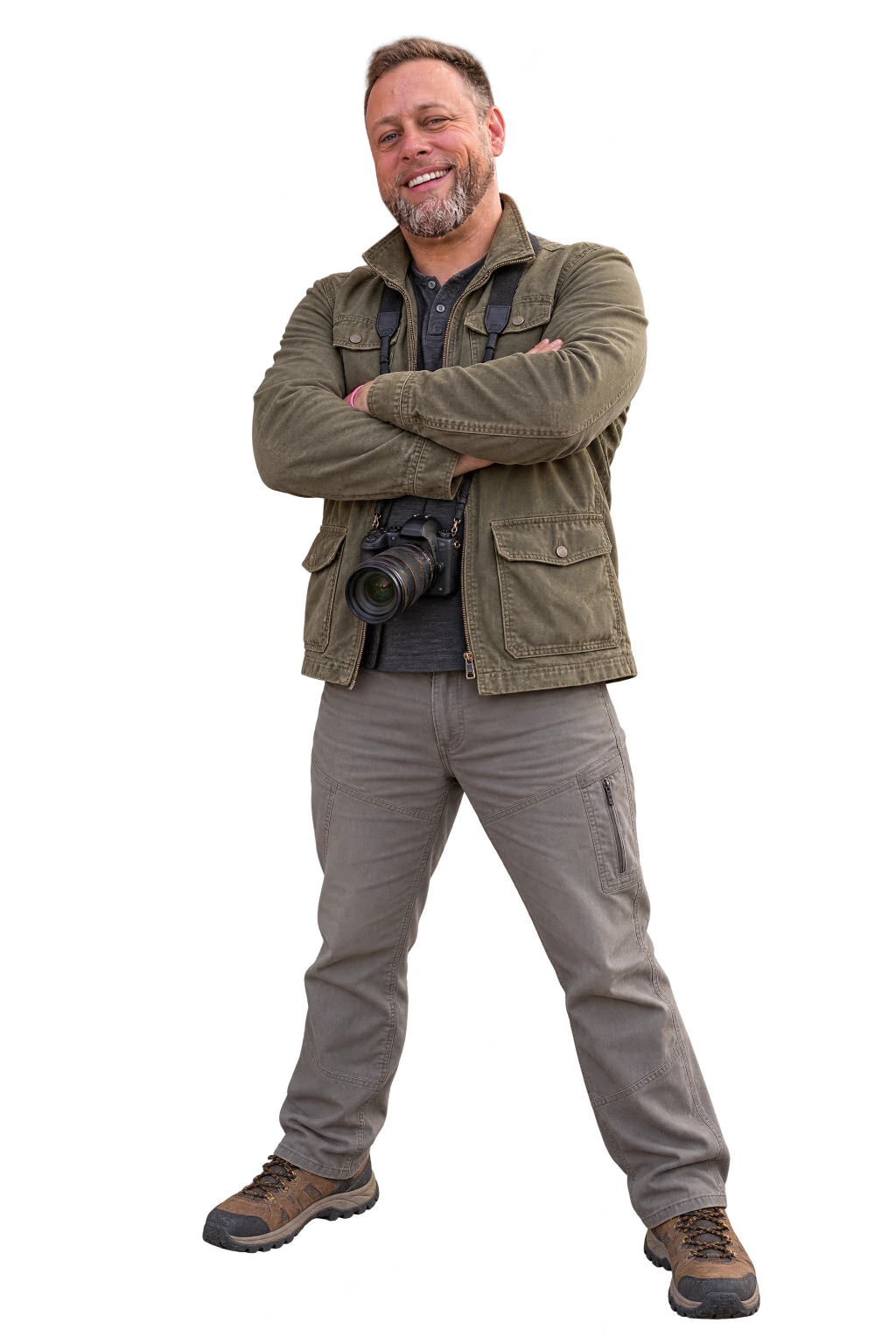
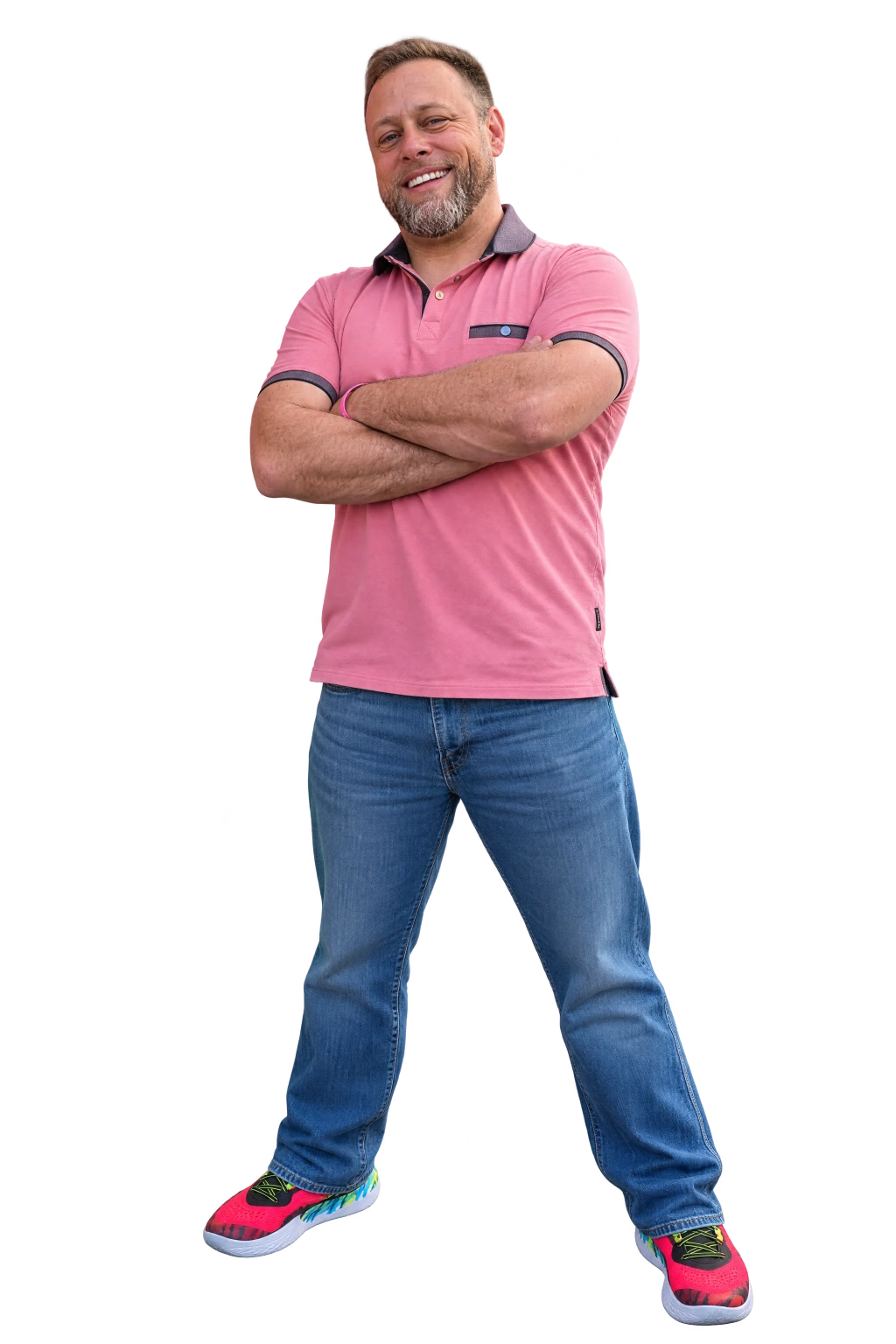
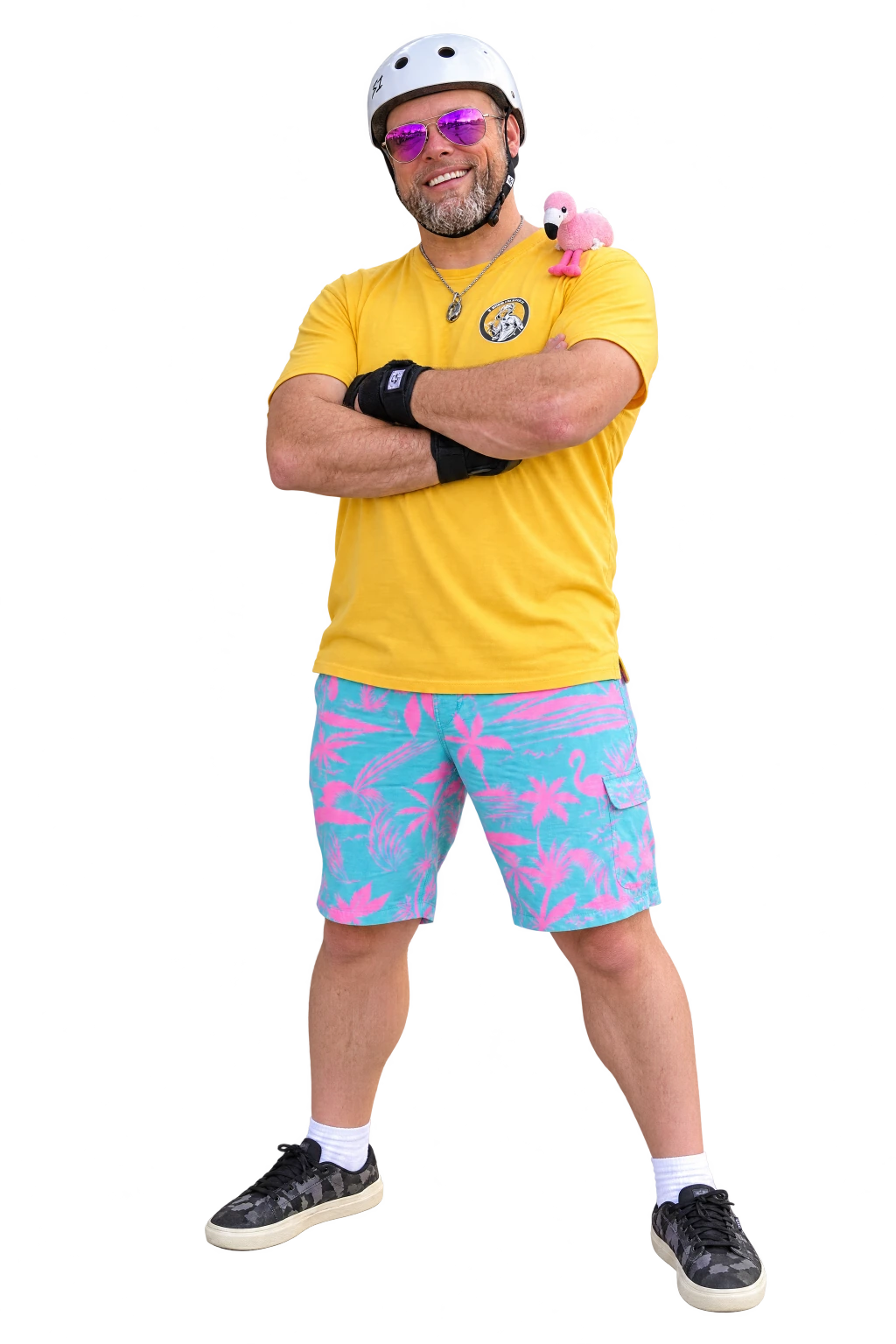
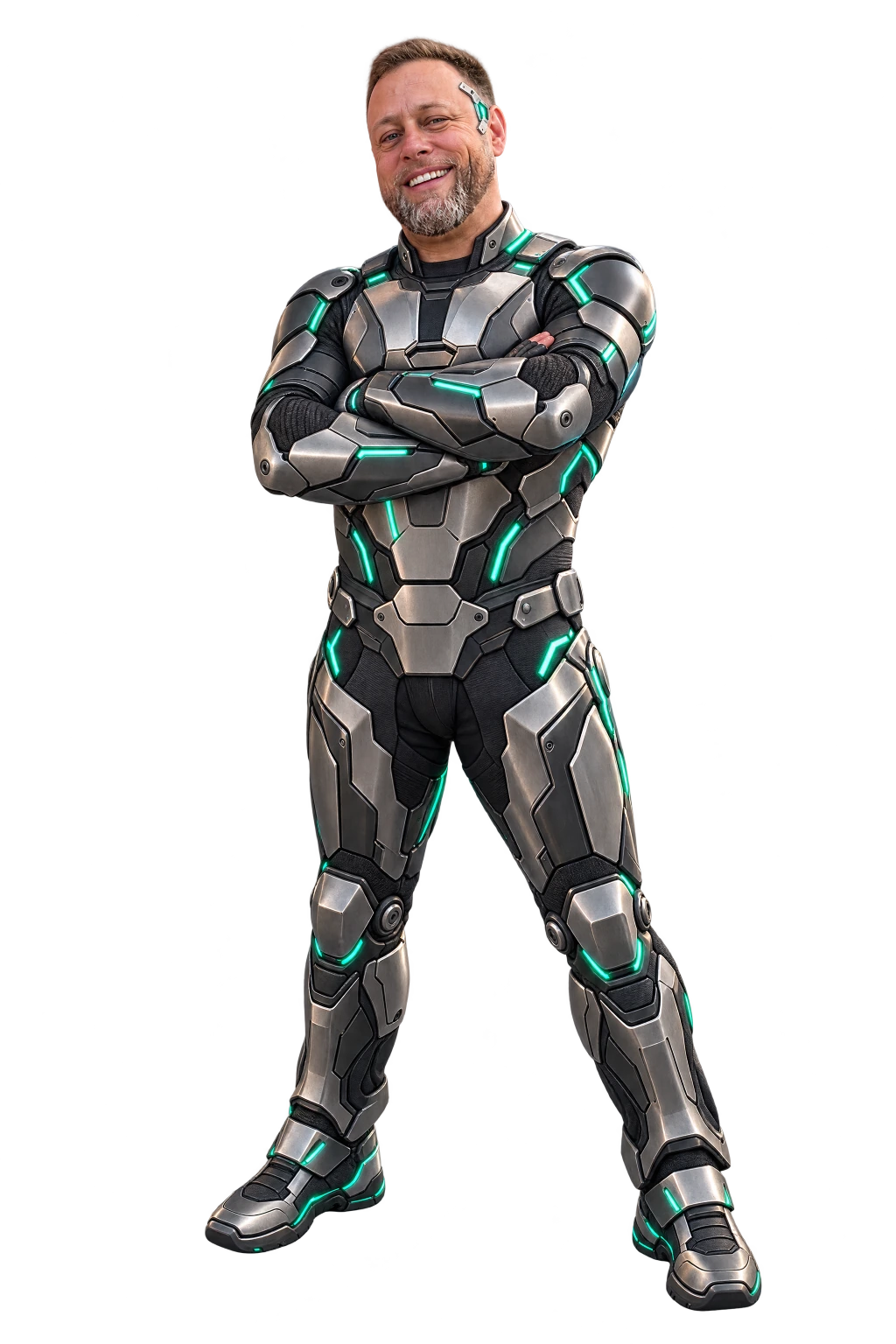
Creative full-body ai portrait of Cory Boehne
02APPLIED AI

Research, images,
software and automation.

I use AI to work through research, direct images, build software and take repetitive jobs off people's hands. I also run models on existing hardware and bring years of Maximo and reliability experience to tools for maintenance teams.

CTO and Head of AI at Banetti.

From research to local models.

What I can
help you do.

A research brief, a consistent set of images, an application your team can use: the work takes different forms. These are the areas where I can take it from an idea through to something you can put to work.

01Research

Research a question and show where each answer came from

Hand me reports, manuals, websites or exported records along with the question. I compare the sources, keep supporting passages with the findings and distinguish what is known from what is inferred or still unanswered.

Sources can disagree without either being useless. I look at their dates, scope and authority, carry those distinctions into the answer and leave unresolved questions visible. A software manual for the wrong release or an inferred email address needs to be identified as such.

  • Research briefs with citations and open questions
  • Company and contact research that separates published facts from guesses
  • Technical document analysis tied to a specific software version
02Create

Make a set of images that belong together

I can take a person, product or idea from reference photos through generation, selection and targeted edits. I give each reference a role, such as identity, pose or visual treatment, then judge each result against the references and the rest of the set.

The detailed work is in the comparisons: a face that has drifted, a pose that no longer fits, a prop that changes between scenes. I use saved references, targeted edits and transparent pieces to develop the series without starting every revision from scratch.

  • Consistent portraits and product imagery built from real photographs
  • Masked edits, companion images and transparent cutouts for layout
  • Brand artwork using saved logos, colors and references
03Build

Build the software around a model

A model's answer is one step in a longer job. I build the interface, saved records and rules around it: where a person reviews a suggestion, how edits are kept, what gets exported, who can see it and how someone picks the work up next week.

I work through the steps on either side of the AI response. A suggestion may need approval before it changes a record. An illustration needs to stay with its story. A saved draft needs enough history for its author to return and understand the choices already made.

  • Guided workflows, document tools and conversational interfaces
  • Review steps, revision history and exports
  • Private workspaces with owner, editor and viewer roles
04Automate

Automate a repeated task within firm limits

I turn recurring jobs into assistants that act inside defined permissions: which requests they accept, which actions they may take and when they stop and hand the case to a person. The routine cases get handled, and the unusual ones arrive with their context attached.

I separate the rules for taking action from the language used to explain it. An assistant can write a friendly reply or summarize a morning's checks while the application controls account access, permitted actions and when a failed task needs a person's attention.

  • Email assistants tied to account permissions
  • Service monitoring with rechecks and a short list of allowed repairs
  • Plain-language reports of what ran, what failed and what was tried
05Run locally

Run models on hardware you already own

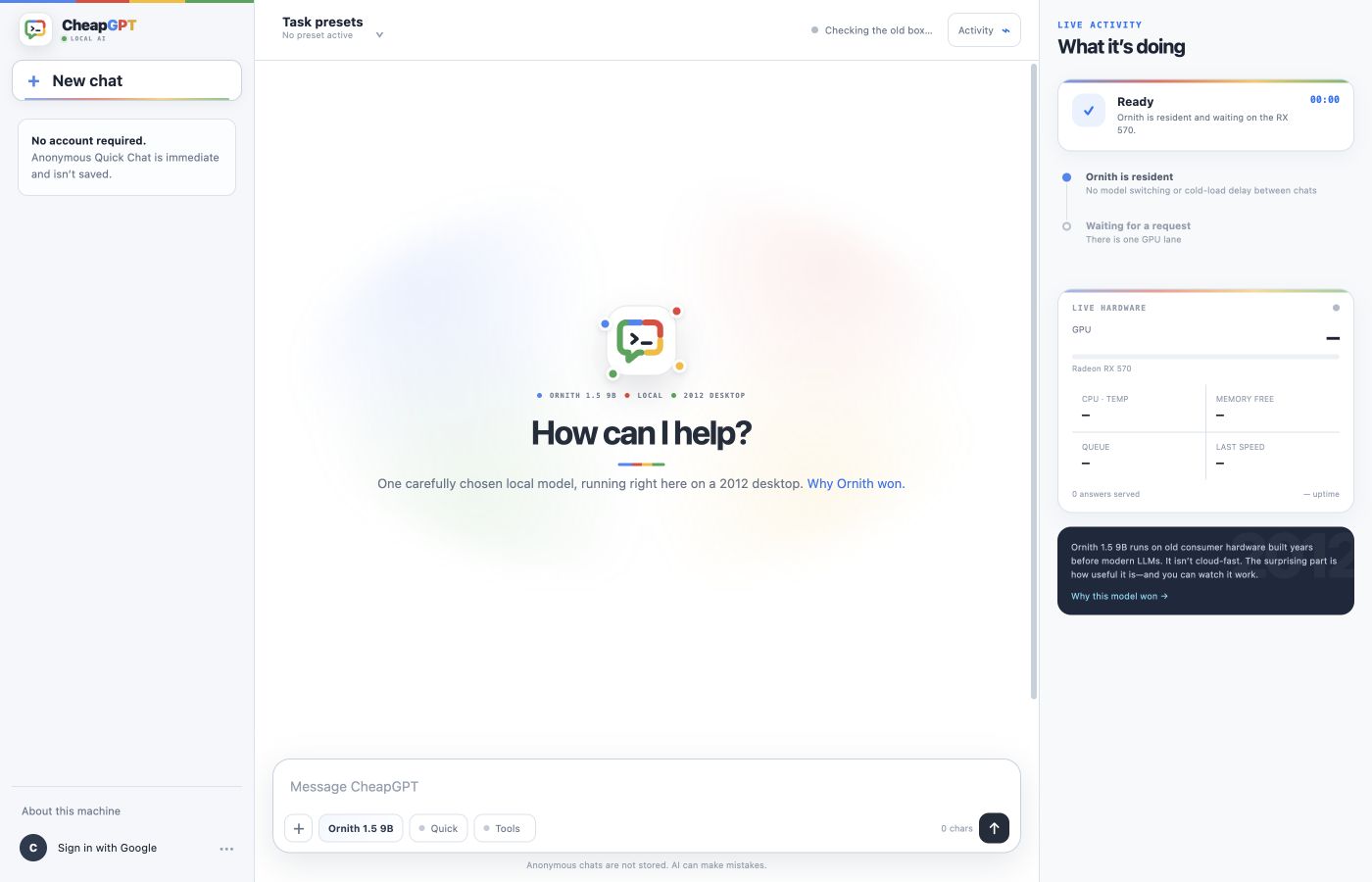
I can fit a local model to the hardware, documents and response time a job needs, then build the chat, task presets, queue and progress view around it. An older computer can have another working life if the application is designed for what it can handle.

Memory and waiting time shape the design. I work on keeping a model ready, selecting the relevant document passages and showing whether a request is queued, reading or answering. Running inference locally can also keep business files out of an external AI service during that work.

  • Local inference with llama.cpp on existing hardware
  • Private document chat that reads long files in passes
  • Local models for data cleanup and in-game roles
06Maximo

Bring Maximo and reliability knowledge into AI tools

I can bring maintenance questions into focus before asking a model to answer them. The Maximo release, the asset and its work history all matter. So does knowing whether the evidence is a general manual or a record from the system your team actually uses.

A planner, system administrator and technician may ask about the same work order for different reasons. I design tools that account for that context, explain the source behind an answer and leave the maintenance decision with the people responsible for the equipment.

  • Maximo and reliability explanations with sources and release context
  • Maintenance spreadsheet cleanup that protects identifiers
  • Read-only connections that bring approved Maximo data into a conversation
Inside Image Studio
AI-generated explore portrait of Cory
AI-generated personal portrait of Cory
AI-generated riding portrait of Cory
AI-generated portraits made in Image Studio from real reference photographs.
Creative software

Different scenes. Still me.

A private image application for keeping one person recognizable across many scenes, with reference roles, saved recipes, masked edits and transparent output.

Inside Image Studio
AI in practiceFile recovery / October 2026
Bob Goode seated outdoors in a cowboy hat, with his hands clasped.
My grandfather, Bob Goode, in the 1980s. My edited version of the photograph after the file was recovered.
Diagnosis, repair, verification

How AI recovered my grandfather's photograph.

Fable 5.1 Max traced a corrupt Photoshop file to two small defects. Custom code made it readable; an independent check verified the surviving image data. The result was a photograph of my grandfather I hadn't been able to open for almost twenty years.

Follow the repair
How a project starts

One real example
comes first.

Before choosing a model or writing code, I want to see the file, question or recurring task. It tells us what the system must understand and whether AI belongs in it at all.

  1. 01

    Walk me through one case

    Show me the information, the steps and the place where the work slows down. One awkward example tells me more than a feature list.

  2. 02

    Decide what the software may do

    We decide which steps it can handle on its own, which need your review and which stay with you. Then we identify the information and access each step needs.

  3. 03

    Build a small working version

    I connect the model, data and interface around that task, then put it in front of the people who do the job while their corrections can still change it.

  4. 04

    Test it on a bad day

    Missing fields, sources that disagree, a slow response, a job interrupted halfway. Each failure should be visible, with a clear way back.

Case studies

The projects
behind these skills.

Follow a project through the choices that made it work, from a model's place in a game to the references behind a portrait series.

LET'S TALK ABOUT THE JOB

Where are
you getting stuck?

Tell me what you're trying to do and what keeps getting in the way. We can work through where AI would help, what information it needs and which parts need your judgment.

Tell me about it